cgal-basic-viewer.io
CGAL Basic Viewer — GLFW Backend
Google Summer of Code 2024 C++17 · OpenGL 4.3 · GLFW 3
A lightweight real-time 3D/2D viewer for the CGAL computational geometry library, built as a dependency-free alternative to the existing Qt-based viewer. Visualize any CGAL data structure with a single call to CGAL::draw() — no Qt installation required.
Camera System
Two camera controllers are available: Orbiter (turntable, stays focused on the object) and Free-fly (FPS-style, free navigation). Both support perspective and orthographic projection, toggled at runtime with O.
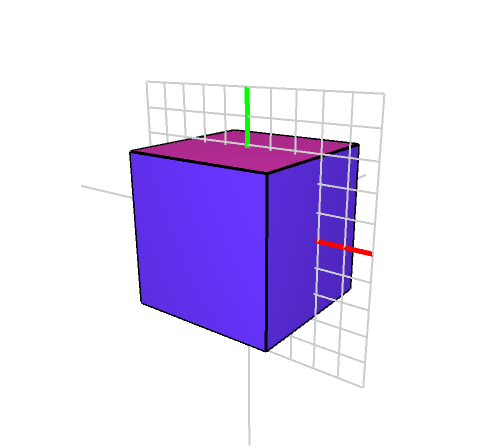
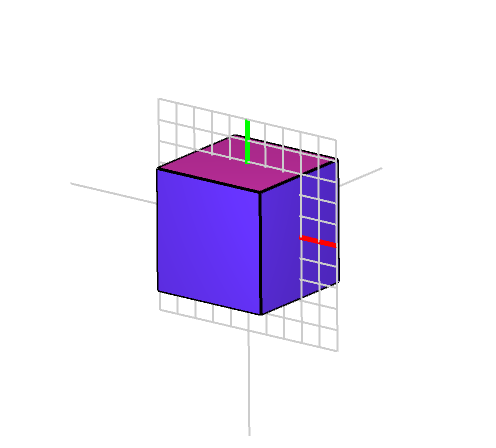
Left: Perspective projection — Right: Orthographic projection
Additional camera features include:
- Constrained rotation — lock rotation around the right, up, or forward axis
- Align-to-nearest-axis — double-click to snap the camera to the closest world axis
- Zoom, FOV adjustment, and configurable smoothing
Constrained rotation along a single axis
Align-to-nearest-axis with double-click
Clipping Plane
An interactive infinite clipping plane slices the scene in real time. The plane can be rotated, translated, and moved along its own normal or the camera’s forward direction. Four display modes expose the interior of solid geometry:
- Solid only — opaque cut, geometry beyond the plane is discarded
- Solid / transparent — see-through back faces on the clipped half
- Solid / wireframe — wireframe rendering on the clipped half
- Full draw — both halves rendered normally
The camera can also be orthogonally aligned to the clipping plane for precise cross-section views.
Interactive clipping plane with rotation and translation
Camera aligned orthogonally to the clipping plane
Rendering Modes
Geometry Shaders
Edges can be rendered as cylinders and vertices as spheres via geometry shaders, giving a much cleaner look than raw line/point primitives. This feature was also ported to the Qt viewer.
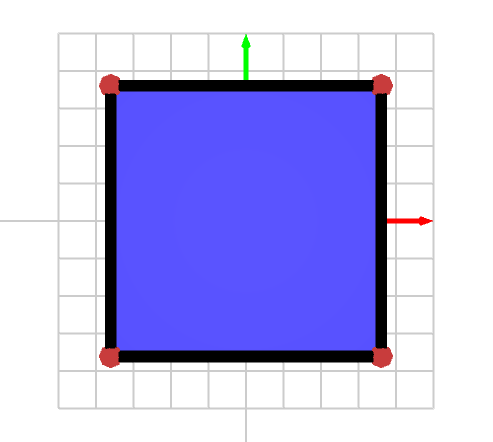
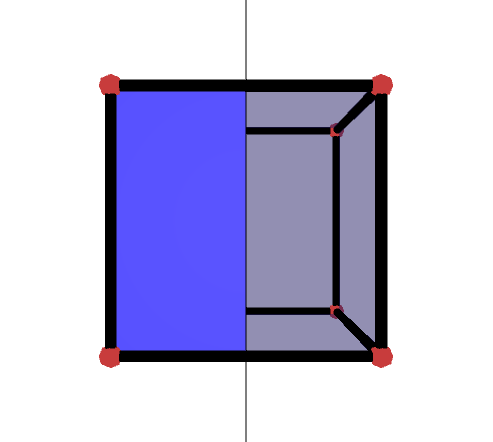
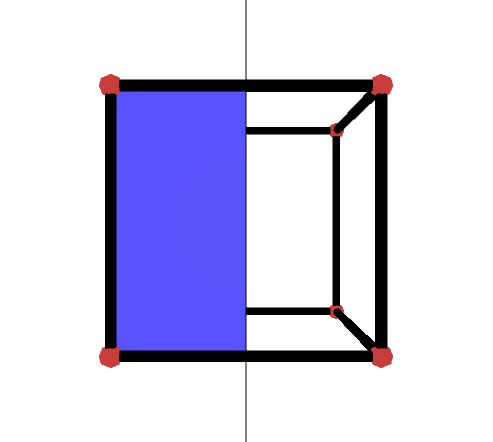
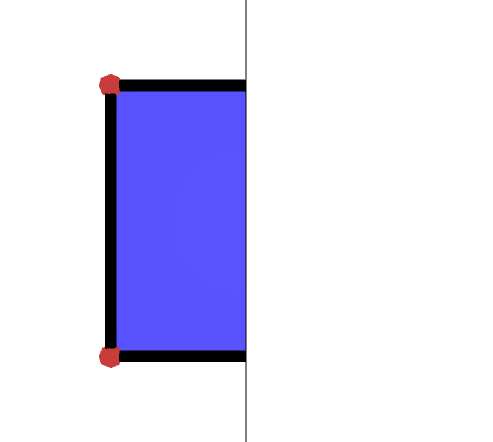
From left to right: Draw all · Solid / transparent · Solid / wireframe · Solid only
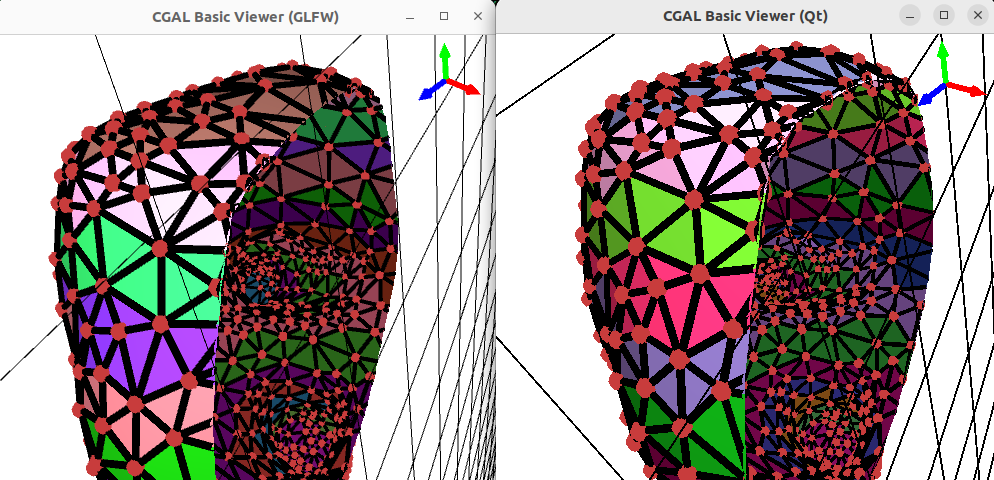
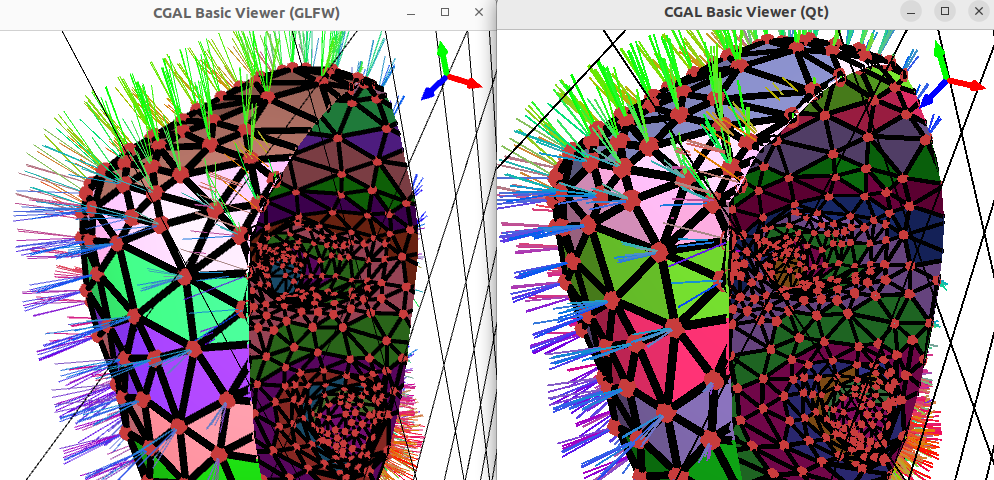
Left: Clipping with cylinder/sphere rendering — Right: Combined with normal display
Normal Visualization
Vertex normals can be displayed in mono-color or direction-coded coloring, for both flat and smooth shading. Normals are properly clipped by the clipping plane.
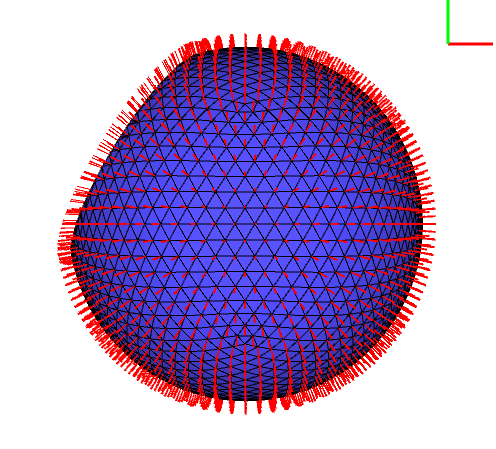
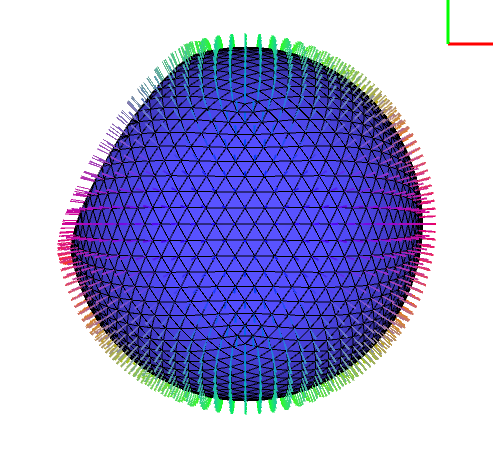
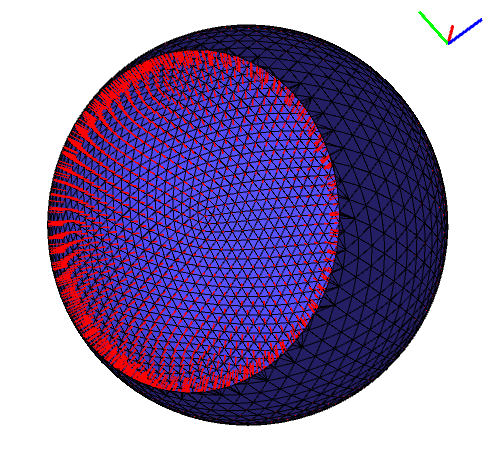
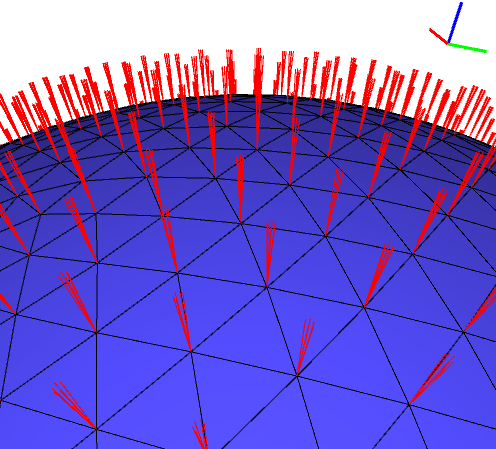
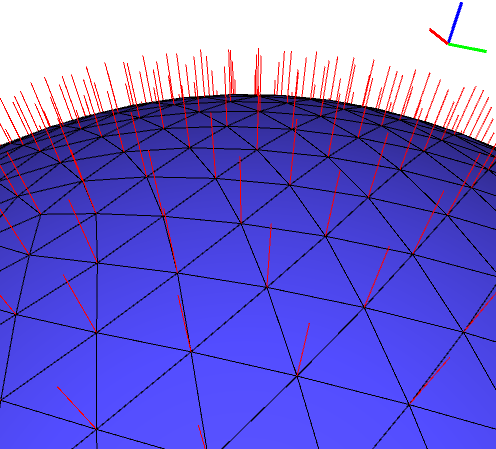
Mono-color · Direction-colored · Inverted · Flat shading · Smooth shading
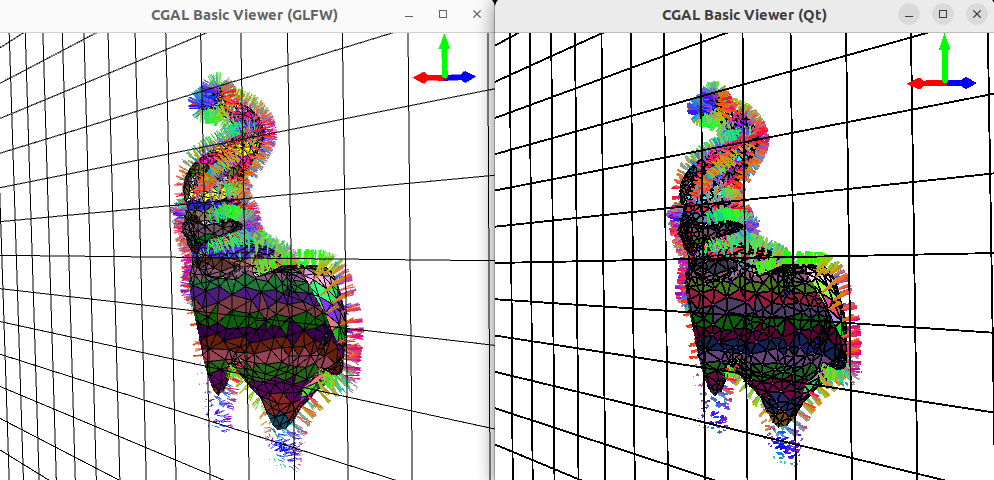
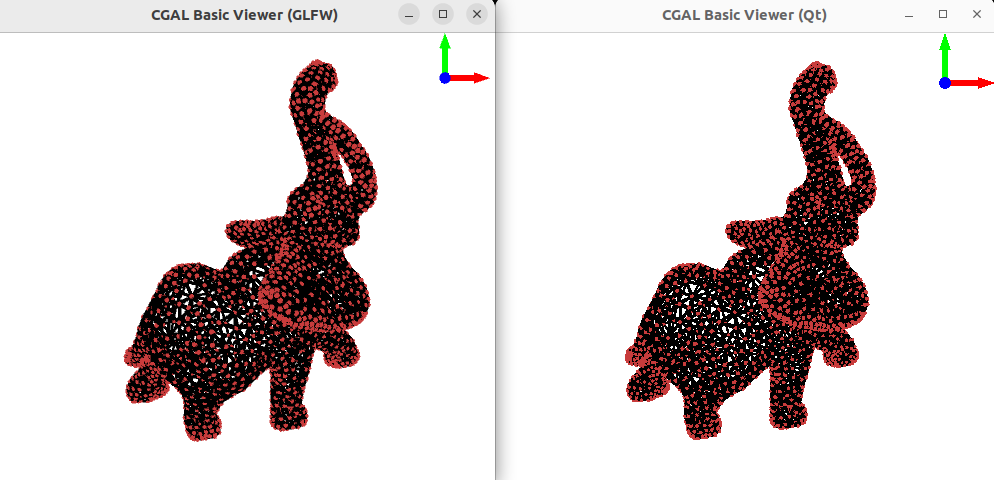
Left: Normals clipped by the clipping plane — Right: Cylinder-Sphere display comparison (GLFW vs Qt)
World Axis & Grid
A 3D world axis gizmo (drawn with geometry-shader cylinders and cones) and an XY grid provide spatial orientation feedback.
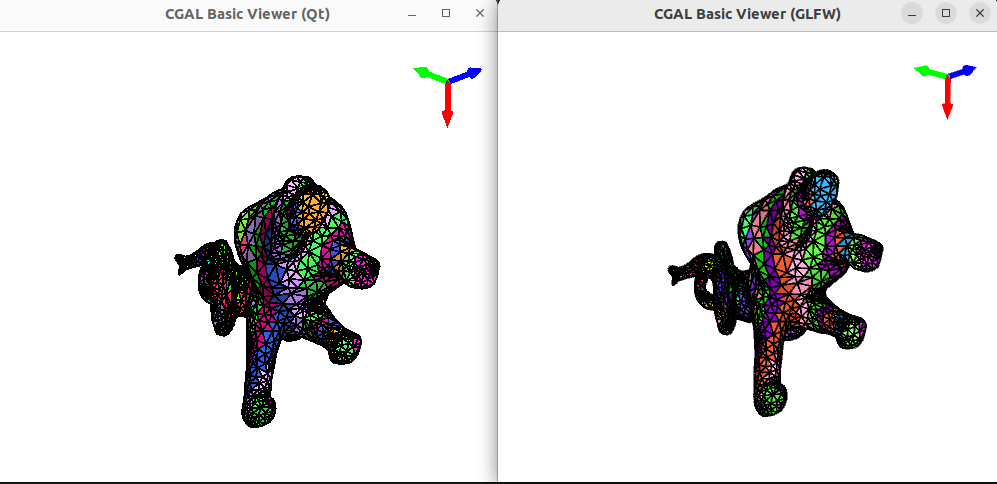
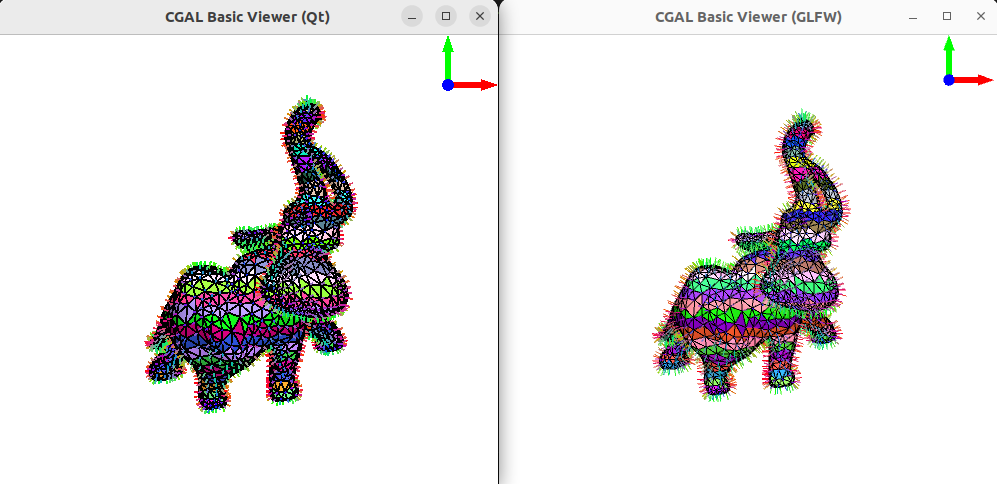
Left: World axis gizmo — Right: With normal display enabled
Keyframe Animation
Record camera poses as keyframes (Alt+F1) and play back smooth cinematic flythroughs (F1). Each keyframe stores a quaternion (orientation) and a 3D vector (position). Playback uses SLERP for rotation and linear interpolation for translation, over a configurable duration.
Programmatic API
The viewer exposes setters for scripted camera and clipping plane control — useful for headless screenshot generation without opening a window.
CGAL::Graphics_scene buffer;
add_to_graphics_scene(sm, buffer, Colored_faces_given_height(sm));
CGAL::Basic_viewer bv(&buffer, "Basic viewer");

using DisplayMode = CGAL::GLFW::Basic_viewer::DisplayMode;

bv.camera_orientation({0, 0, 1}, 180);
bv.display_mode(DisplayMode::CLIPPING_PLANE_SOLID_HALF_WIRE_HALF);
bv.clipping_plane_orientation({-1, 0, 0});
bv.clipping_plane_translate_along_normal(5);
bv.make_screenshot("./screenshot.png");
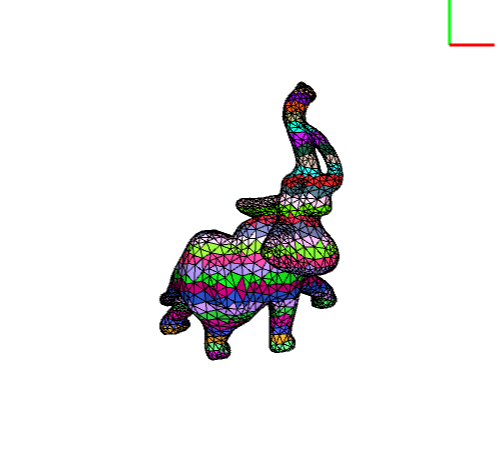
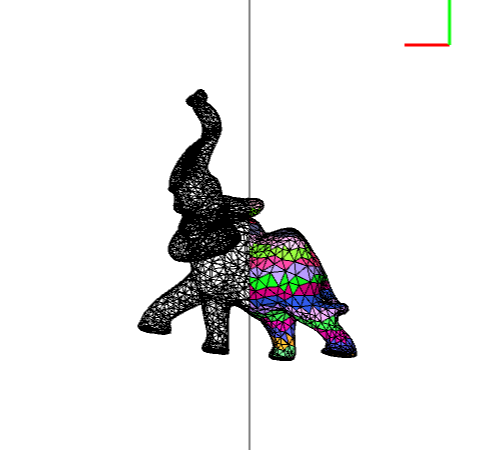
Left: Default view — Right: Result of the code snippet above
Full setter reference
```cpp scene_radius(float radius) // Scene bounding radius scene_center(const vec3f& center) // Scene center (orbiter pivot) camera_position(const vec3f& position) // Camera position camera_orientation(const vec3f& forward, float upAngle) // Camera orientation (forward dir + up angle in degrees) zoom(float zoom) // Camera zoom align_camera_to_clipping_plane() // Snap camera perpendicular to clipping plane clipping_plane_orientation(const vec3f& normal) // Clipping plane normal clipping_plane_translate_along_normal(float t) // Translate plane along its normal clipping_plane_translate_along_camera_forward(float t) // Translate plane along camera forward display_mode(DisplayMode mode) // Clipping plane display mode draw_clipping_plane(bool b) // Enable/disable clipping plane ```Build System & Cross-Platform Support
A dedicated GLFW CMake component (mirroring the existing Qt6 component) handles dependency detection and compilation of GLFW and GLAD across Windows, macOS, and Linux (X11 and Wayland). The viewer links against CGAL::CGAL_Basic_viewer_GLFW. If both components are declared, Qt takes precedence.
QWERTY and AZERTY keyboard layouts are supported. A built-in shortcut help is printed to the console on launch.
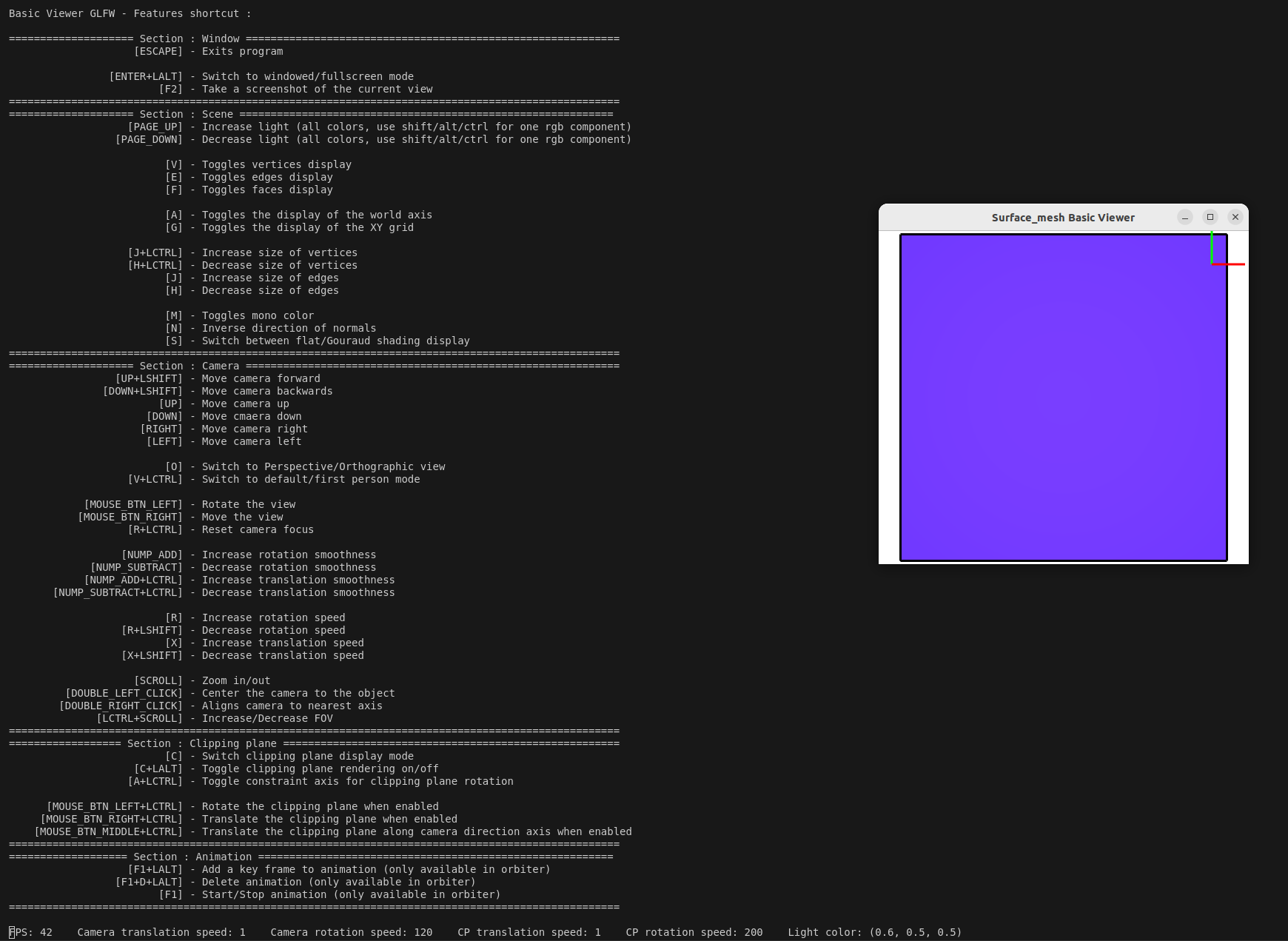
Console shortcut reference on launch
Keyboard Reference
| Key | Action |
|---|---|
O |
Toggle perspective / orthographic |
LCtrl+V |
Toggle orbiter / free-fly |
Left Mouse |
Rotate |
Right Mouse |
Translate |
Scroll |
Zoom |
Ctrl+Scroll |
Adjust FOV |
LShift+Up/Down |
Move forward / backward |
LCtrl+R |
Reset camera |
A |
Toggle world axis |
G |
Toggle XY grid |
LCtrl+Left Mouse |
Rotate clipping plane |
LCtrl+Right Mouse |
Translate clipping plane |
LCtrl+Mouse Wheel |
Move clipping plane along camera forward |
Alt+F1 |
Save animation keyframe |
F1 |
Play animation |